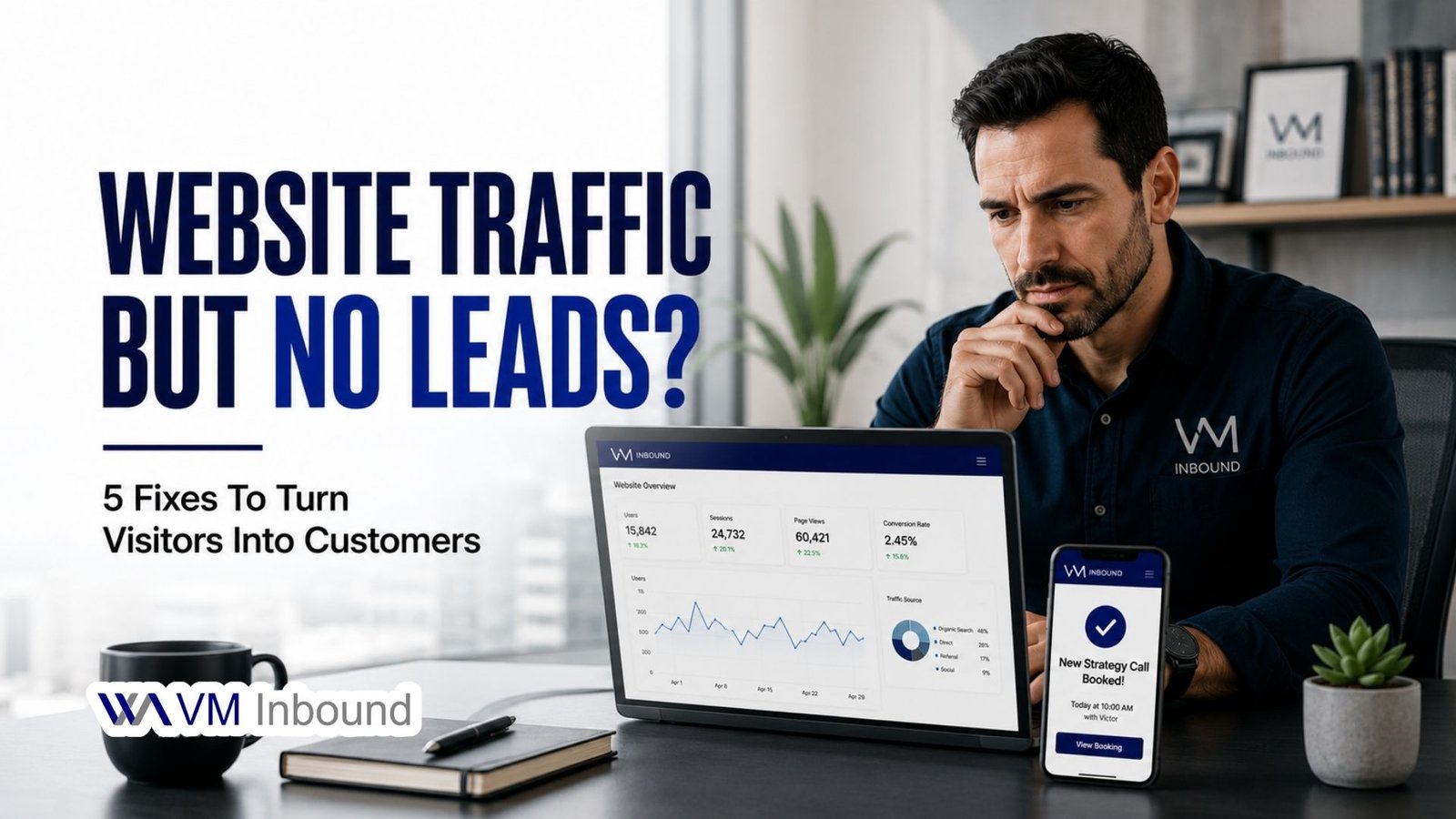
If your website gets traffic but your inbox is quiet, the problem usually isn’t “no demand”, it’s friction between the click and the conversation. Let’s fix that in five focused steps.
Not Getting Enough Leads From Your Website?
Step 1: Set One Clear Goal for Your Website
Before changing anything, decide what a “lead” actually means for you.
For most businesses, that’s a booked discovery call or a completed scorecard/quiz that leads to a call. Once you’re clear on that, your entire website should guide visitors toward that single action.
- Pick one primary goal: “Book a free strategy call” or “Take the 5‑minute Lead Growth Scorecard.”
- Remove or downplay anything that competes with that goal (extra buttons, random links, sliders).
Quick example:
Instead of “Learn More / View Services / Contact Us” all in the hero, keep one primary CTA:
“Get My Lead Score” or “Book My Free Strategy Call.”
Step 2: Fix Your Above‑the‑Fold Section
The hero section is where most visitors decide whether to stay or bounce in a few seconds. Make it do the heavy lifting.
Use a clear, problem‑driven message
You can follow this simple formula:
- Headline: Problem + promise
- Subheadline: Who you help + how fast/easy the outcome is
- Button: Action + benefit
Example based on your scorecard offer:
- Headline: “Not Getting Enough Leads From Your Website?”
- Subheadline: “Get a 5‑minute Lead Growth Scorecard and a simple plan to turn visitors into calls.”
- Button: “Get My Lead Score” or “Start My 5‑Minute Audit”
Make the CTA impossible to miss
- Use a strong contrast color (like your green) on a clean background.
- Place the button above the fold on desktop and mobile.
- Repeat a CTA lower on the page for people who scroll before deciding.
Step 3: Make It Frictionless to Become a Lead
Even a great offer fails if your form feels like work.
Keep the form short
For the first step, you typically only need:
- Name
- Website URL (optional but useful for your scorecard)
Save detailed questions (budget, timeline, etc.) for after they’ve taken the scorecard or booked a call.
Reduce anxiety and doubt
- Add a trust line under the button:
“Takes less than 5 minutes. No spam, no pushy sales pitch.” - If you’re collecting phone numbers, make it clearly optional or explain why:
“Phone (optional, only used to confirm your call).”
Step 4: Build Trust Right Next to Your CTAs
People are more willing to click a button or schedule a call when they see proof that you’re legit and effective.
Place proof where decisions happen
Add trust elements around your key CTAs:
- Short testimonials focused on lead growth or booked calls.
- Logos of brands, industries, or local businesses you’ve helped.
- A single line like: “Helping small businesses in Lipa and across the Philippines turn traffic into booked projects.”
Show the value of the scorecard or call
Right near the form or button, explain what they actually get:
“In your Lead Generation Growth Scorecard, you’ll see:
- Your overall lead score out of 100
- A breakdown for Visibility, Website, Offer, and Follow‑Up
- A simple action plan you can implement this week”
This makes the click feel like a smart move, not a risk.
Step 5: Turn New Leads Into Real Conversations
The biggest leak in most funnels is after someone opts in. Your follow‑up should gently move people from “interested” to “ready to talk.”
Map a simple follow‑up flow
Once they complete the scorecard or form:
- Results email (immediately)
- Restate their score and the main issue areas.
- Link to a “Next Steps” page where they can book a call.
- Quick wins email (Day 1–2)
- Share 2–3 practical fixes they can do today.
- CTA: “If you’d like help implementing this, book a free 30‑minute strategy call.”
- Proof email (Day 4–5)
- Highlight a short win story or before/after.
- CTA: “See what’s possible for your business, schedule your call.”
Use AI to speed this up
You don’t need AI to run your website, but it can help you move faster:
- Generate alternative headlines and CTAs to A/B test.
- Summarize client calls or chats to spot recurring objections and questions, then answer those on the page.
- Draft email follow‑ups that you can then edit into your own voice.
5‑Step Checklist You Can Run Today
Use this as a quick audit:
- I have one main goal for my site (scorecard or call).
- My hero section clearly states the problem, promise, and has one bold CTA.
- My form is short, simple, and feels safe to fill out.
- Testimonials or proof sit right next to my main buttons.
- Every new lead gets a short email sequence that leads to a call.
If you check those five boxes, you’ll already be ahead of most business websites, and you should start seeing more clicks turn into actual conversations.