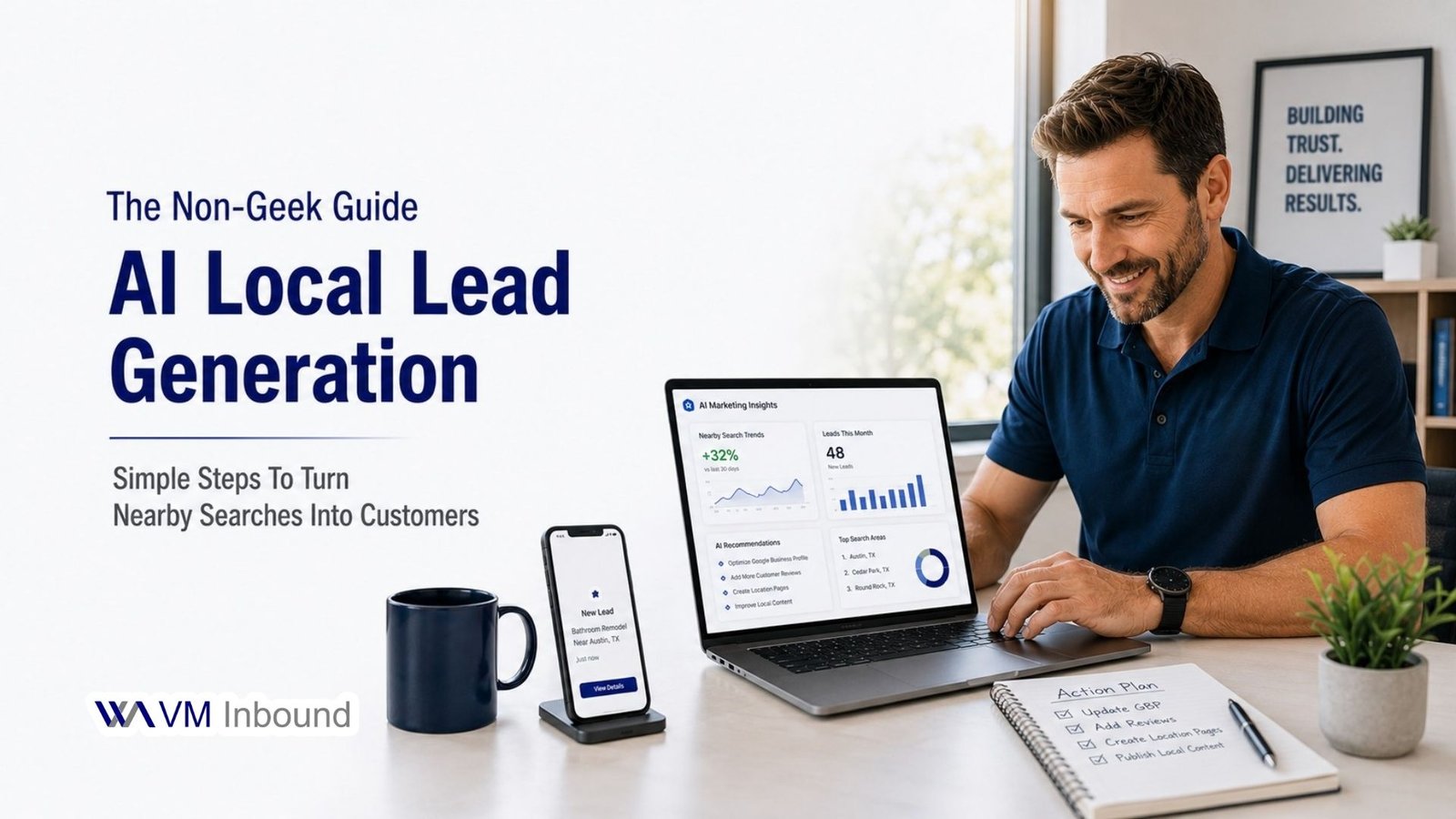
You don’t need to be technical to use AI for local lead generation; you just need a simple way to turn AI into more calls, messages, and booked appointments from nearby customers. Think of AI as a smart assistant that helps you:
- Figure out what people in your area are searching for.
- Create better offers and content that match those searches.
- Improve your website and landing pages so more visitors become leads.
Below is a 3‑step workflow you can actually implement this week.
Want More Local Leads With Less Guesswork?
Step 1: Let AI Tell You What Your Locals Care About
Instead of guessing what your local customers want, ask AI directly and turn the answers into content and offers.
Ask This One Simple Prompt
In your AI tool, paste:
“I run a [type of business] in [city/area].
My ideal customers are [brief description: age, job, budget, what they care about].
List their top 10 questions or worries before they contact a business like mine.”
What to do with the answers:
- Pick 3–5 questions that show up over and over (price, trust, location, speed).
- Turn each into a short section or FAQ on your website or landing page.
- Use those same questions as blog topics or social posts (e.g., “Is [service] affordable in [city]?”).
This keeps your content and pages aligned with real local concerns, no guessing, no jargon.
Step 2: Use AI to Shape One Lead‑Focused Page
You don’t need to overhaul your whole site. Focus on one lead‑focused page: your service page or your AI Audit landing page (like aiaudit.vminbound.com).
Quickly Audit and Improve That Page
Copy the text of the page into your AI tool and ask:
“You are a conversion expert. This is a page for a local [type of business] in [city].
- What’s confusing?
- Where would visitors hesitate to contact us?
- Suggest 5 specific improvements to get more calls, form fills, or messages.”
Then make just these three upgrades:
- Clarify the main promise in one line (who it’s for + what they get).
- Replace weak CTAs like “Contact Us” with specific ones (e.g., “Request Your AI Lead Audit”).
- Add 2–3 proof elements (a testimonial, a quick result, or a client type you’ve helped).
You’ve now used AI to tighten up one page that actually generates leads, instead of tinkering with everything at once.
Step 3: Turn AI Into a Simple Follow‑Up Helper
Most local businesses lose leads after the first contact. A light follow‑up sequence can fix this without turning you into a full‑time copywriter.
Create 3 Follow‑Up Messages in Minutes
Ask AI:
“Write 3 short, friendly follow‑up messages for someone in [city] who showed interest in my [service or AI Audit].
Tone: conversational and helpful, not pushy.
Each message should invite them to book a quick call or audit.
Use those messages as:
- Email follow‑ups after someone submits a form.
- Chat scripts for Facebook, WhatsApp, or live chat.
Edit them lightly so they sound like you and add one clear action (reply with a time, click a link, or schedule an audit).
Quick “Non‑Geek” Action Plan
If the full strategy still feels heavy, stick to this short checklist:
- Ask AI what your local buyers worry about, and answer those questions on your site.
- Use AI to suggest 5 fixes for one key lead page and implement 3 of them.
- Let AI write 3 short follow‑up messages and plug them into email or chat.
If you want to shortcut this even further, turn the whole process into one clear offer, an AI Lead Generation Audit for local businesses- and use AI to support that offer instead of trying to optimize everything at once.